The Booking Takes Two Minutes. The Signature Takes Twenty.
Watch a rental handover closely and the bottleneck is always the same. The reservation is done, the car is ready, the customer is standing there — and then everything stops for the contract. Print it. Find a pen. Wait while they skim four pages they will not read. Scan it back. Save it somewhere with a filename someone invented on the spot.
Then, months later, a toll notice or a damage claim arrives and the whole exercise is repeated in reverse: which folder, which date, which of the three scans is the signed one.
The frustrating part is that the contract itself was never the problem. The document was generated in seconds. It was getting a signature onto it — and finding it again afterwards — that consumed the time.
Why "We Already Use an E-Signature Tool" Isn't the Same Thing
Plenty of agencies already have a signing service. The workflow usually looks like this: generate the contract in the rental system, export it as a PDF, open the signing tool, upload the file, type the customer's name and email again, send, then wait for an email with the signed copy and file it manually.
That is better than paper, but it still leaves three problems intact:
- Double entry. The renter's details already exist in your system; typing them into a second tool is both wasted time and a fresh chance to send the contract to a mistyped address.
- Separated records. The reservation lives in one system and the signed contract in another, so proving what was agreed means checking two places.
- Friction that gets skipped. Any workflow with six manual steps gets shortcut on a busy Friday — usually by falling back to paper.
An integrated workflow removes the seams. In Car Rental Solutions you connect SignWell in the Integrations section once; from then on the send-for-signature button lives on the agreement itself, and the signed contract comes back to the rental it belongs to.
"If getting a signature requires re-typing what the system already knows, the integration isn't finished."
How the Workflow Works, Step by Step
Five steps, of which only two involve you doing anything.
-
1
Connect the signing service once
In the Integrations section of your control panel, connect your SignWell account. This is one-time setup, not something repeated per rental.
-
2
Create the agreement from the reservation
The contract is generated with the customer, vehicle, dates, rate, and terms already populated — because the booking already contained them. Nothing is re-typed, so nothing is mistyped.
-
3
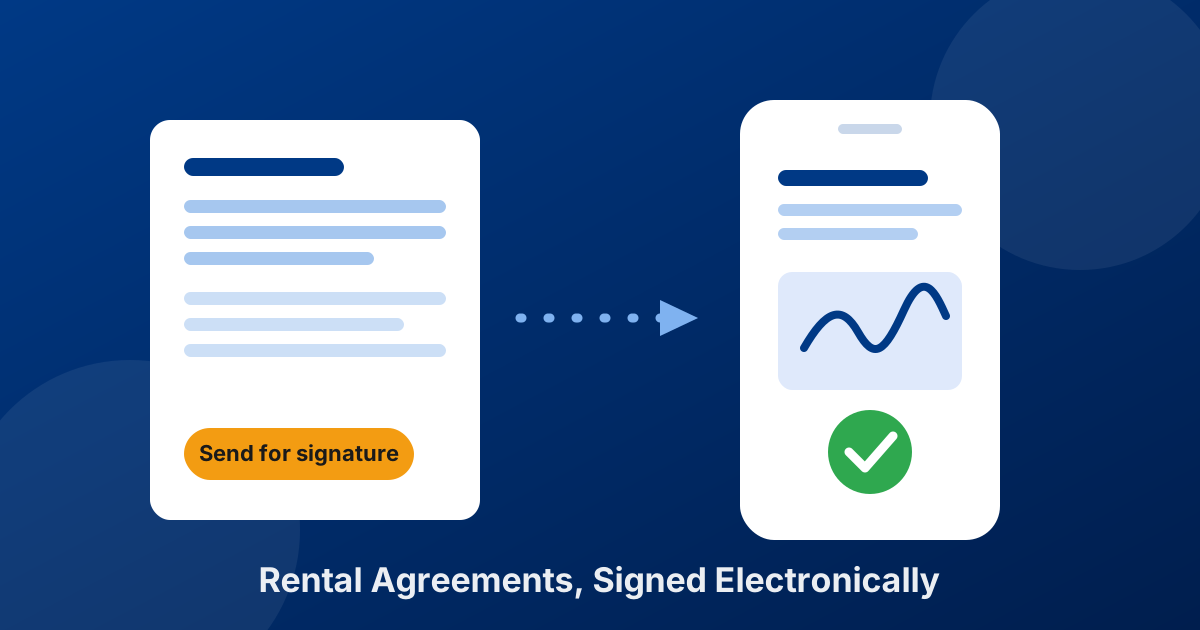
Press send for signature
One button dispatches the agreement to the renter through SignWell. No exporting, no uploading, no switching tools.
-
4
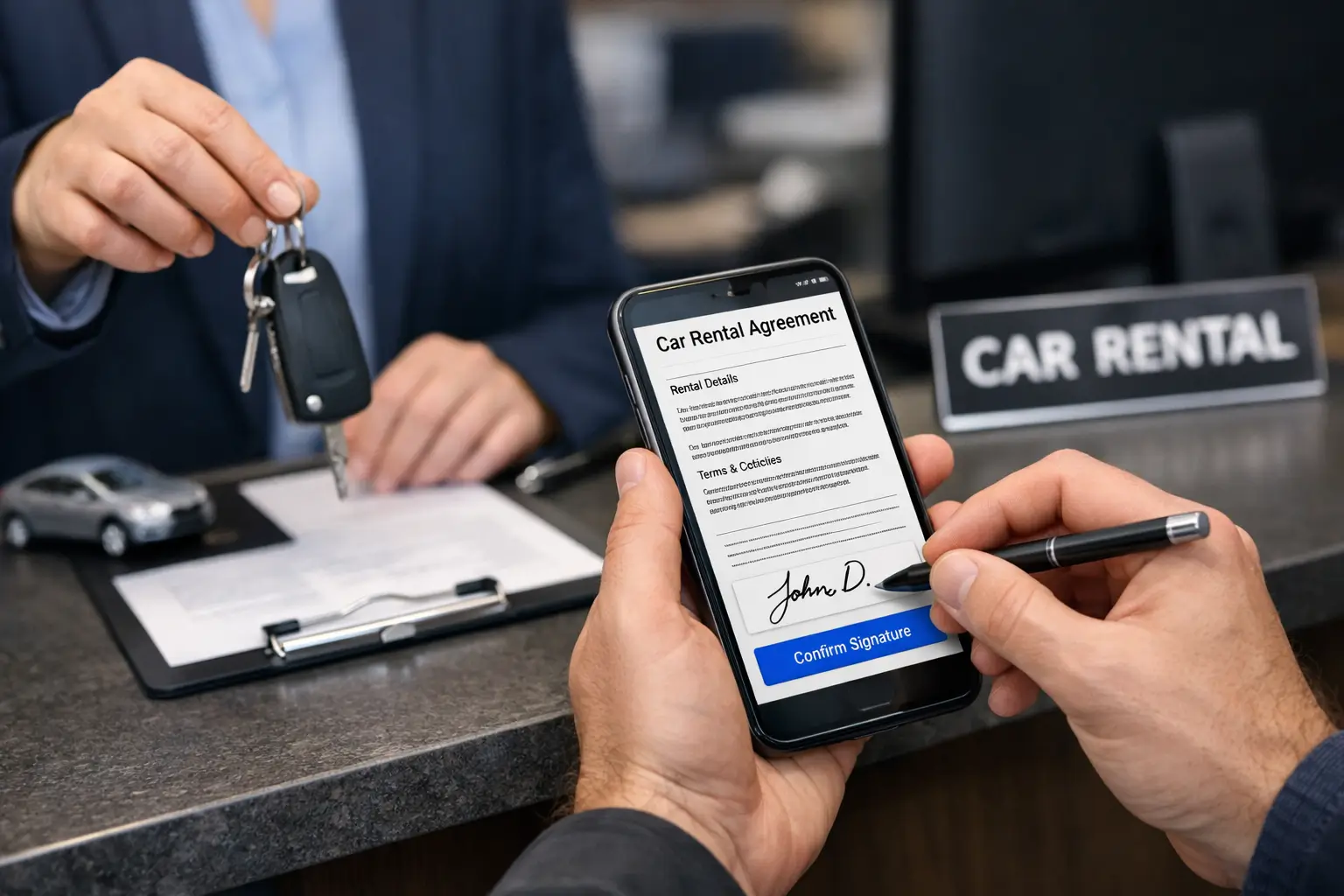
The customer signs on their own device
Phone, tablet, or laptop, wherever they are — no app to install and no account to create. Which is exactly why it works for deliveries and remote pickups.
-
5
The signed contract appears in the software
Once signed, you can see the completed agreement in the system, stored with that rental — not in an inbox, a shared drive, or a filing cabinet.
Are Electronic Signatures Actually Binding?
This is the question that keeps operators on paper, and the answer has been settled for a long time. In the United States, the federal ESIGN Act (in force since 2000) and the state-level UETA laws give an electronic signature the same legal effect as a handwritten one for most commercial transactions. The European Union does the same through eIDAS, and most other countries have equivalent legislation.
What matters in a dispute is usually not the signature graphic but the evidence behind it: who opened the document, when, from what address, and that the file has not been altered since. SignWell states that documents signed on its platform comply with ESIGN, UETA, GDPR, and HIPAA, and that each completed document carries a tamper-proof audit trail. In practice that record is stronger evidence than a paper original sitting in a drawer — paper cannot prove when it was signed.
Two caveats worth keeping: rules differ by country and by contract type, and a signature only binds someone to terms that were actually presented. If your agreement is missing clauses, e-signing it just makes an incomplete contract faster — our guide on what a rental agreement should include covers the substance.
What Changes at the Counter
Handovers get shorter
Signing on the renter's own phone while you check the license runs in parallel instead of in sequence. The queue behind them moves.
Remote and delivery rentals stop being awkward
Curbside handoffs, airport deliveries, and cars dropped at a hotel no longer require someone to carry a printed contract and bring it back.
Contracts can be signed before arrival
Send the agreement when the reservation is confirmed and the paperwork is finished before the customer lands. Corporate and repeat renters especially appreciate not repeating the ritual every time.
Documents stop going missing
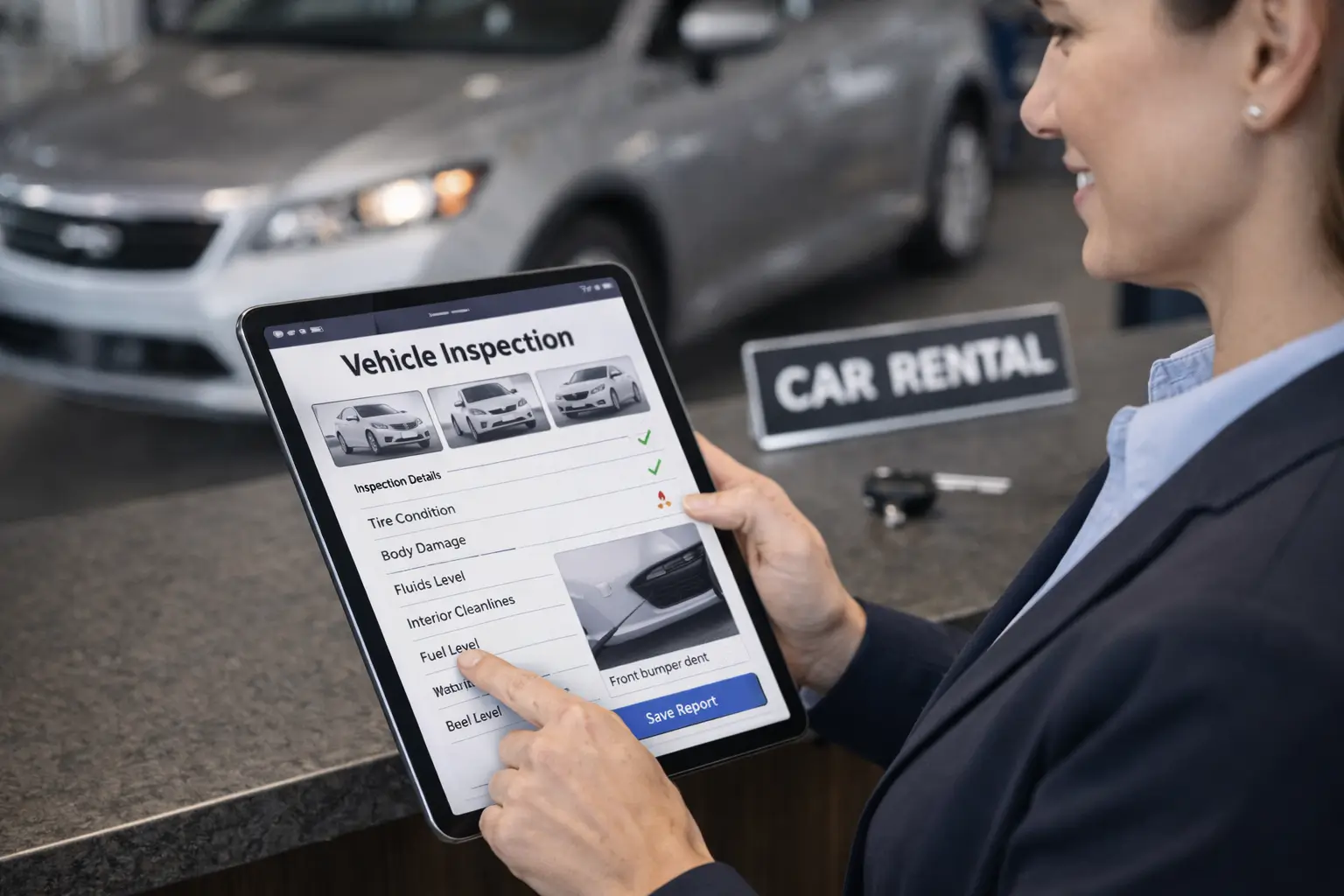
The signed agreement is attached to the rental, so a claim, a toll, or an insurance query is answered in seconds rather than by searching a cabinet. Pair it with digital inspections and the entire evidence trail for a rental lives in one place.
Hardware disappears from the process
No signature pad to buy, replace, or troubleshoot; no printer jam holding up a pickup; no scanner in the back office. The renter's own device does the job.
Four Things Operators Get Wrong
- Sending an unfinished contract. Automation makes bad templates faster, not better. Get the terms, fees, and insurance language right before you speed up delivery.
- Sending too late. A contract sent while the customer is standing at the counter saves paper but not time. Send it with the confirmation.
- Not checking the email address. The one field that still comes from a human. A typo at booking is a contract nobody receives.
- Treating e-signing as only a counter tool. Its biggest value is for rentals where nobody is at a counter at all — deliveries, corporate accounts, and long-term rentals with renewals.
The Takeaway
Electronic signatures are not new, and most rental operators already accept that they are valid. What is still worth fixing is where the signing happens. A signing tool that sits outside your rental software keeps the double entry, the separated records, and the temptation to fall back to paper when it gets busy.
Connecting the two — creating the agreement from the reservation and sending it for signature with one button, then seeing the signed copy back in the same system — removes the last manual stretch of the rental process. The contract stops being the slow part of the handover, and every signed agreement stays exactly where you will look for it.
Frequently Asked Questions
Create the contract in your rental software from the reservation, so the customer, vehicle, dates, and terms are already filled in, then press the send-for-signature button. In Car Rental Solutions this works once SignWell is connected in the Integrations section: the agreement goes to the renter, they sign on their own device, and the signed contract becomes visible in the software.
In the United States, the federal ESIGN Act and state UETA laws give electronic signatures the same legal standing as handwritten ones, and comparable frameworks exist in the EU under eIDAS and in most other countries. SignWell states that documents signed on its platform comply with ESIGN, UETA, GDPR, and HIPAA and include a tamper-proof audit trail. Requirements vary by jurisdiction and contract type, so confirm what applies where you rent.
An audit trail is the record of who opened the document, when they signed it, and from where, kept alongside the signed file. It matters because a disputed rental usually comes down to proving that a specific person accepted specific terms on a specific date — which is exactly what a paper signature in a filing cabinet struggles to demonstrate.
No. The renter opens the agreement on their own phone, tablet, or computer and signs it without installing software or registering. That is what makes it practical for curbside deliveries, airport handoffs, and customers who are still travelling when the contract is sent.
Yes, and for many operators that is the biggest gain. Sending the contract ahead of pickup means the paperwork is already complete when the renter shows up, which shortens the handover to a license check and keys — and gives the customer time to actually read the terms rather than skim them at a counter.
No. Because the signature happens on the renter's own device, there is no pad to buy, no paper to print, and nothing to scan afterwards. The signed contract is stored with the rental in the software instead of in a folder.