Your Agreement Is the Only Document That Matters When Something Goes Wrong
A renter returns your car with a cracked bumper and says it was like that at pickup. Another brings the tank back empty and refuses the refueling charge because "nobody told them." A third keeps the vehicle two days longer than booked and disputes the late fee. In every one of these conversations, only one thing decides who is right: what the rental agreement says, and what the customer signed.
Most rental disputes aren't caused by dishonest customers. They're caused by agreements that never mentioned the charge, condition reports that were never filled in, and signatures that never happened because the counter was busy. A weak contract doesn't just lose you the occasional damage claim — it trains your staff to avoid enforcing your own policies, because they know the paperwork won't back them up.
This guide covers the 12 clauses every car rental agreement should include, the mistakes that quietly make agreements unenforceable, and how digital contracts turn a 15-minute paperwork session into a two-minute signature. One note before we start: this is operational guidance, not legal advice — have a local attorney review your final template for your jurisdiction.
The 12 Clauses Every Car Rental Agreement Should Include
1. Parties and renter identification
Full legal name of your company and the renter, plus the renter's driver's license number, expiry date, and contact details. Record any additional drivers here too — an unlisted driver behind the wheel is one of the most common reasons insurers deny claims.
2. Vehicle identification
Make, model, year, plate, VIN, color, and current odometer reading. The agreement must point to one specific vehicle — "or similar" belongs in your booking terms, not in the signed contract for the car being handed over.
3. Rental period and return terms
Pickup and return date, time, and location, plus what happens when the vehicle comes back late: the grace period, the hourly or daily late charge, and the point at which a late return is treated as unauthorized use.
4. Rates and all possible charges
The base rate, taxes, and every charge the renter could conceivably see on their final invoice: extras, additional driver fees, young driver surcharges, cleaning fees, fines-handling fees, tolls, and delivery charges. A charge that isn't in the agreement is a charge you'll struggle to collect — and a surprise fee is the fastest route to a chargeback and a one-star review.
5. Security deposit and payment terms
Deposit amount, how it's held (card pre-authorization vs charge), what it can be applied against, and when it's released. Ambiguity here creates more customer-service email than any other clause.
6. Vehicle condition report
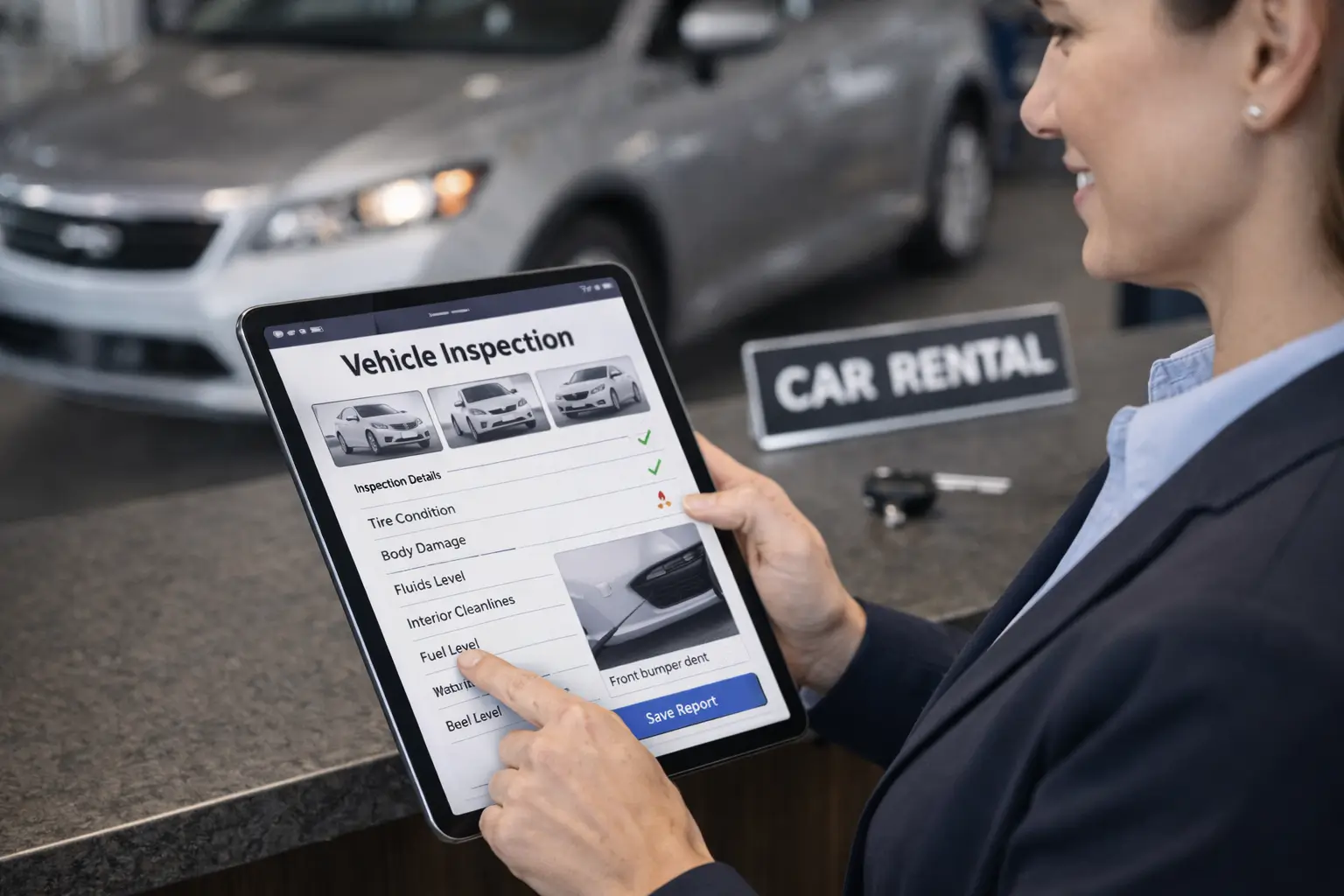
The heart of the agreement for day-to-day operations. Existing damage marked on a diagram or — far better — timestamped photos taken at pickup, acknowledged by the renter's signature. Pair the contract with digital vehicle inspections and damage disputes largely resolve themselves: the evidence is dated, geotagged, and attached to the signed contract.
7. Fuel and mileage policy
Full-to-full, prepaid, or same-to-same — spelled out, with the per-liter or per-gallon refueling rate. If you cap mileage, state the included kilometers or miles and the overage rate. For EVs, state the expected return charge level.
8. Insurance, waivers, and liability
What coverage is included, the renter's excess or deductible, what optional waivers cost, and — critically — what voids coverage: unlisted drivers, driving under the influence, off-road use. This is the clause your attorney should spend the most time on.
9. Permitted and prohibited use
Geographic limits and cross-border rules, minimum driver age, smoking and pet policies, and prohibited uses such as towing, racing, or ride-hailing. If a rule matters enough to charge for, it matters enough to write down.
10. Breakdown and accident procedure
Who to call, what the renter must do at the scene (police report, photos, no admission of fault), and what you cover versus what they cover. A renter who knows the procedure protects your claim; one who doesn't can sink it.
11. Cancellation and no-show policy
Notice periods, refund tiers, and no-show handling — consistent with what your website showed at booking. Contradictions between your online terms and your counter contract are a gift to whoever disputes the charge.
12. Signatures, date, and governing law
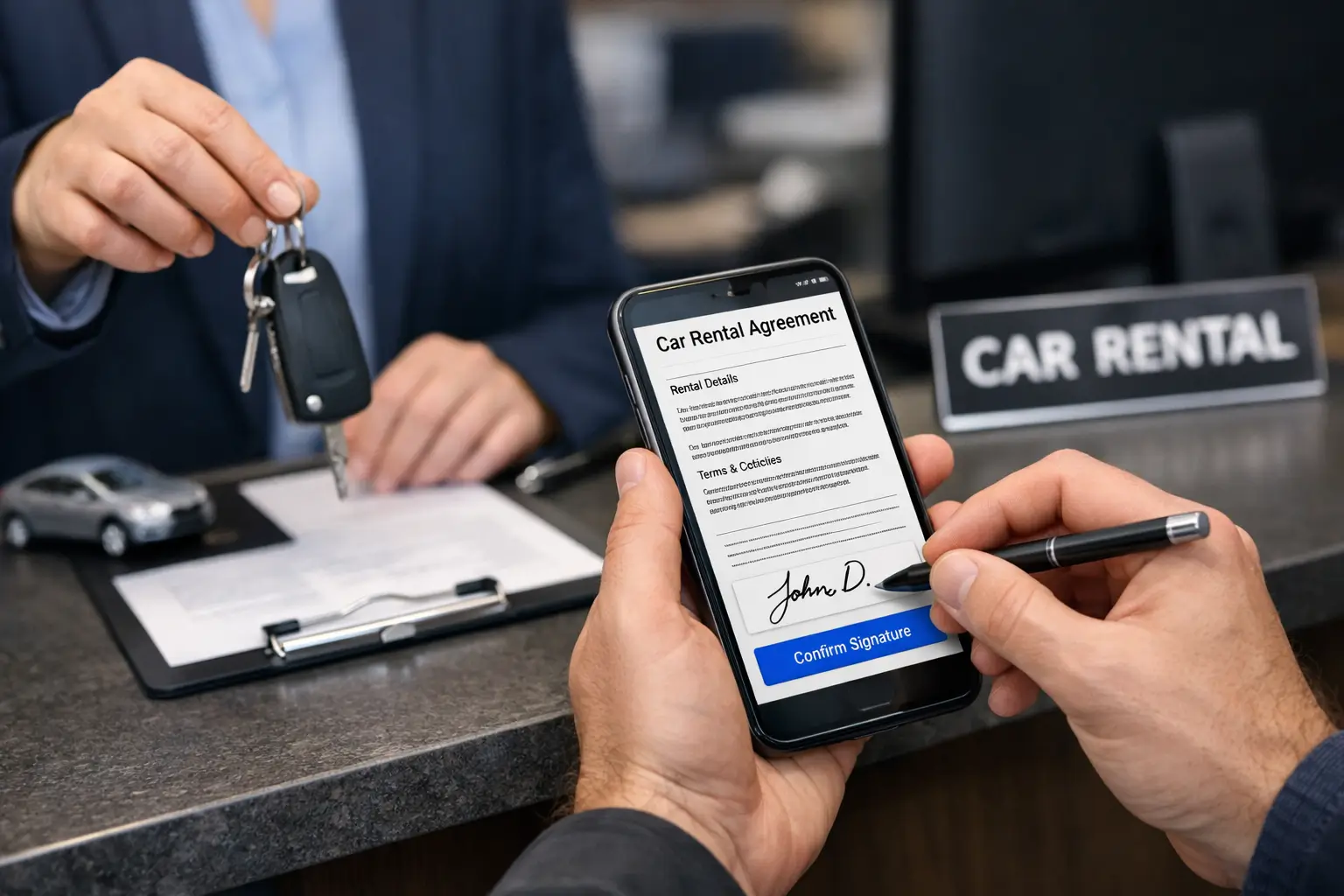
The jurisdiction whose law applies, and dated signatures from both parties. An unsigned agreement is a brochure. This is where electronic signatures earn their keep: the renter signs on a screen — or from their phone before arrival — and the timestamped, tamper-evident contract archives itself with the reservation.
"An agreement isn't strong because it's long. It's strong because every charge you might ever apply is in it, and the customer signed it before driving away."
Four Mistakes That Make Agreements Unenforceable
Using an unreviewed generic template
Downloaded templates routinely miss fuel policies, cross-border rules, and the liability language your jurisdiction requires. Use a template as a starting point, then pay for one hour of local legal review. It's the cheapest insurance you'll ever buy.
Skipping the condition report when it's busy
The moment you most need documentation — a packed Saturday morning — is exactly when paper checklists get skipped. If your process only works when the counter is quiet, you don't have a process.
Re-typing reservation data by hand
Every manually copied name, date, and rate is a chance for the contract to contradict the booking. When the agreement is generated from the reservation system itself, the contract and the booking cannot disagree.
Disclosing charges after the signature
Fees that first appear on the final invoice — not in the signed agreement — are the leading source of chargebacks. If the renter didn't sign it, assume you can't charge it.
From Template to Signed Contract in 5 Steps
Here's what the agreement workflow looks like when it's handled by car rental agreement software instead of a printer and a filing cabinet:
-
1
Build your template once
Load your attorney-reviewed agreement into the system with merge fields for renter, vehicle, dates, and rates. Update it in one place when your policies change — every future contract inherits the fix.
-
2
Auto-fill from the reservation
At pickup, the contract generates itself from the booking: names, vehicle, dates, rates, extras, and deposit — no re-typing, no transcription errors, no contradiction between what was booked and what's signed.
-
3
Walk through the condition report together
Record existing damage with photos on a tablet or phone, with the renter watching. Two minutes now saves the he-said-she-said conversation at return.
-
4
E-sign at the counter — or before arrival
The renter signs on screen, or receives a link and signs from their phone before they even reach you. Remote signing turns pickup into a license check and a key handover.
-
5
Archive automatically, retrieve instantly
The signed contract stores itself with the reservation — searchable by customer, plate, or date. When an insurer, authority, or disputing customer asks, it's on screen in seconds, not in a box in the back office.
What a Complete Digital Agreement Changes
Damage claims become collectible
With a signed condition report and timestamped photos, a legitimate damage charge stops being an argument and becomes an invoice with evidence attached. Renters dispute far less when they signed next to the photo.
The counter gets dramatically faster
Auto-filled contracts and e-signatures cut pickup paperwork from 10–15 minutes to about two. On a busy changeover day, that's the difference between a queue and a handover.
Every location signs the same contract
One template, centrally managed, means a customer in your second city signs exactly what your attorney approved — not last year's version someone kept photocopying.
Chargebacks lose their ammunition
When every fee on the final invoice traces back to a clause the customer signed, "I was never told" stops working — with the customer and with their card issuer.
Audits and insurance claims stop being archaeology
No more digging through binders for a contract from last March. Signed agreements, condition photos, and invoices live together with the reservation, retrievable in seconds for as long as you need them.
The Takeaway
A car rental agreement should identify the parties and the exact vehicle, pin down the rental period, disclose every possible charge, document the vehicle's condition, and settle insurance, permitted use, and procedures — then get signed and dated before the keys change hands. Get a local attorney to bless the wording once, and let software handle the rest: auto-filling each contract from the booking, capturing the e-signature, and archiving the evidence. If you're comparing platforms, our guide on e-signatures for rental agreements is the natural next read.
An agreement is only as reliable as the data filling it in. Pulling driver, vehicle, dates, and rates straight from the booking removes the retyping that creates most disputes — the reason agreements are generated inside car rental software rather than from a template file.
Frequently Asked Questions
Yes — a properly executed rental agreement is a binding contract, provided the renter had a reasonable opportunity to read it, the key terms are clearly presented, and both parties signed. Electronic signatures are recognized in most jurisdictions (for example under the ESIGN Act in the US and eIDAS in the EU). What weakens an agreement in practice is not the format but missing elements: no signature, no dated condition report, or charges that were never disclosed before signing.
For day-to-day operations, the vehicle condition report is the part that resolves the most disputes. Damage claims are the most common conflict between operators and renters, and they are decided almost entirely by what was documented and acknowledged at pickup. A signed, timestamped condition report with photos protects both sides; without it, a damage charge is one person's word against another's.
A generic template is better than nothing, but it usually fails in two ways: it omits operational clauses specific to vehicle rental — fuel policy, mileage limits, cross-border rules, turnaround charges — and it isn't connected to your booking data, so staff re-type names, dates, and rates for every rental, which invites errors. The stronger approach is a template reviewed once by a local attorney and then auto-filled from your reservation system for each contract.
In most jurisdictions, yes. Laws such as the US ESIGN Act, UETA, and the EU's eIDAS regulation give electronic signatures the same standing as ink for ordinary commercial contracts, including vehicle rentals. An e-signed agreement also carries a timestamp and an audit trail, which is more evidence than a paper signature provides. As with any legal matter, confirm the specifics for your jurisdiction with a local professional.
Keep them at least as long as your local statute of limitations for contract and damage claims — commonly several years — and longer if an incident, insurance claim, or traffic fine is attached to the rental. Digital storage makes this easy: signed contracts are archived automatically with the reservation, searchable by customer or plate, and retrievable in seconds when an authority or insurer asks.