What Contactless Car Rental Means for an Agency
A renter lands at 11:40 p.m. and your counter closed at ten. Another walks in on a Saturday morning behind four people, each spending ten minutes on forms, license copies and a card swipe. Both are losing time to paperwork that could have been finished the day before.
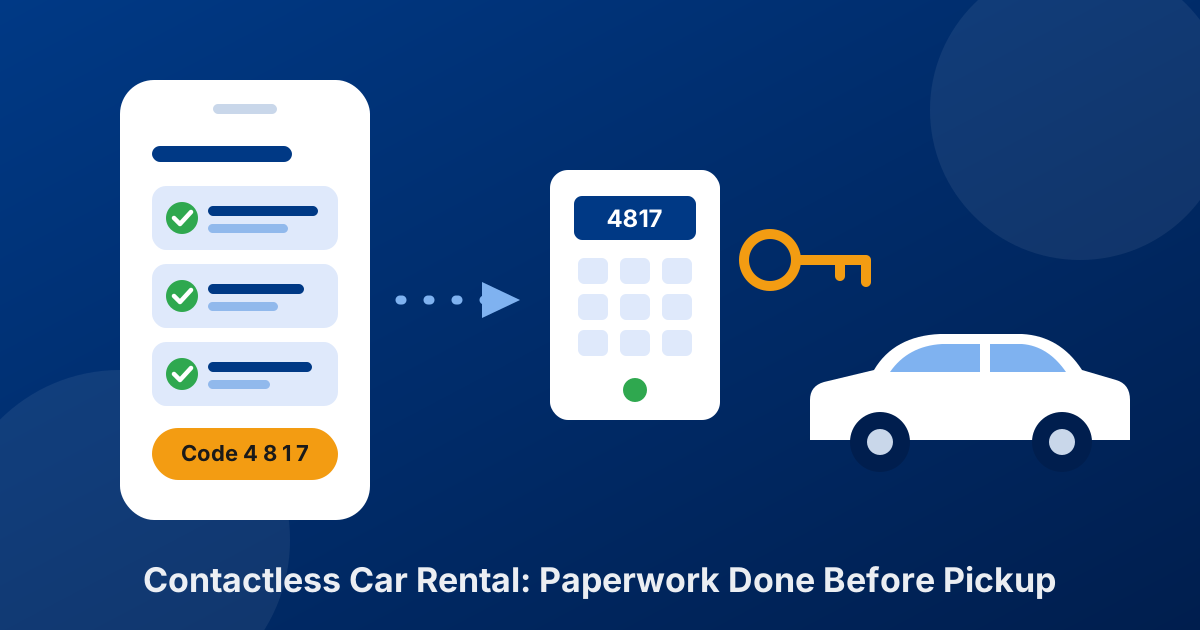
Contactless car rental means the renter completes the booking, driver details, rental agreement and payment before pickup, so the handover takes a couple of minutes with an agent, or none at all. For the agency, it is less about avoiding contact and more about moving the counter work earlier, where it can happen on the renter’s phone at a time that suits them.
This guide covers the three ways agencies run it, what has to happen before the renter arrives, how to handle keys, condition and returns, and the controls that keep fraud and damage claims under control.
Three Ways to Run a Contactless Rental
“Contactless” covers a range. Most agencies start with the first model and add the others where demand justifies them.
1. Express pickup
Everything except the keys is done remotely. The renter arrives, an agent checks the license against the one on file, walks the car with them for photos and hands over the keys. Counter time drops from a form-filling session to a quick check. It needs no new hardware, which makes it the easiest place to start.
2. Delivery and collection
An agent or driver brings the car to the renter’s home, hotel or office and collects it at the end. This is what most people mean by contactless car rental delivery: the paperwork is already signed, so the handover at the curb is a license check, a photo walk-around and the keys. It works well for insurance replacement, corporate accounts and resort areas, and you can charge a delivery fee for it.
3. Unattended pickup
No staff at handover. The renter collects keys from a coded key box or smart locker, or opens the car with a phone through a connected-car or keyless system. It covers late arrivals and extends your hours without extra shifts, but it puts the most weight on remote ID checks and on renter-taken condition photos.
The three models side by side
| Model | Staff at handover | What you need beyond booking software | Fits | Main risk |
|---|---|---|---|---|
| Express pickup | Yes, briefly | Nothing new | Any agency with a counter | Low: the agent still sees the renter and the license |
| Delivery and collection | Yes, at the renter’s location | A driver, delivery-zone pricing, a phone or tablet | Replacement, corporate and resort rentals | Driver time and scheduling |
| Unattended pickup | No | Key box, smart locker or keyless hardware; a way to collect condition photos | Airport-adjacent and after-hours demand | Identity fraud and disputed damage |
What Has to Happen Before the Renter Arrives
Whichever model you choose, the same four things move out of the counter and into the days before pickup.
- Booking with payment and deposit. The renter books online and pays, or you place a deposit or pre-authorization at booking. Your booking engine should price extras, fees and taxes the same way your counter does, so there are no surprises at handover.
- Renter and driver details. Name, address, date of birth, license number and expiry, plus any additional drivers. Returning renters should not have to type this again; keep it in a renter profile.
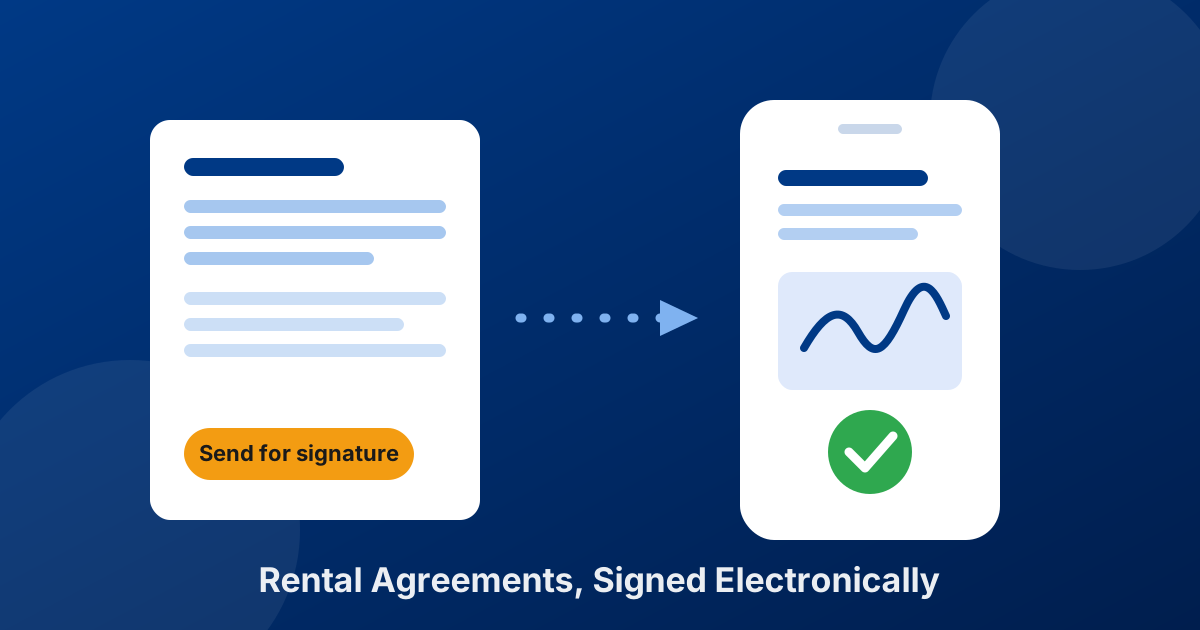
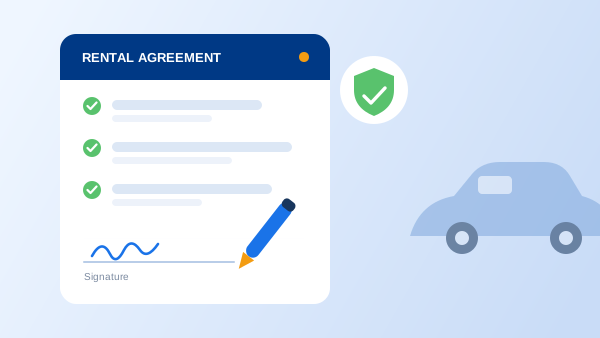
- A signed rental agreement. Generate the agreement from the reservation and send it for electronic signature, so the renter signs on their own phone before the trip. The signed copy should be attached to the rental, not sitting in an inbox. Our guide to sending agreements for signature walks through the flow.
- Pickup instructions. One message the day before: the exact pickup point, opening hours or key-box instructions, what to bring (the physical license and the card used for the deposit), and your fuel, toll and return policy in plain words.
If the agreement still assumes a counter (“renter has inspected the vehicle in the presence of an agent”), update it. Check our rental agreement checklist and add clauses for remote pickup, photo evidence, key custody and after-hours returns.
“Contactless doesn’t remove the counter work. It moves it to the renter’s phone the night before.”
The Handover: License, Keys and Condition
This is where the three models differ, and where most disputes start.
Check the license against the booking
With an agent present (express pickup or delivery), compare the physical license with the details on file and the name on the payment card. Scanning the license with a phone or scanner fills the agreement fields directly and avoids typing errors. For unattended pickup there is nobody to look at the card, so you need a remote identity check before the keys are released (see the risk controls below).
Record the car’s condition, with timestamps
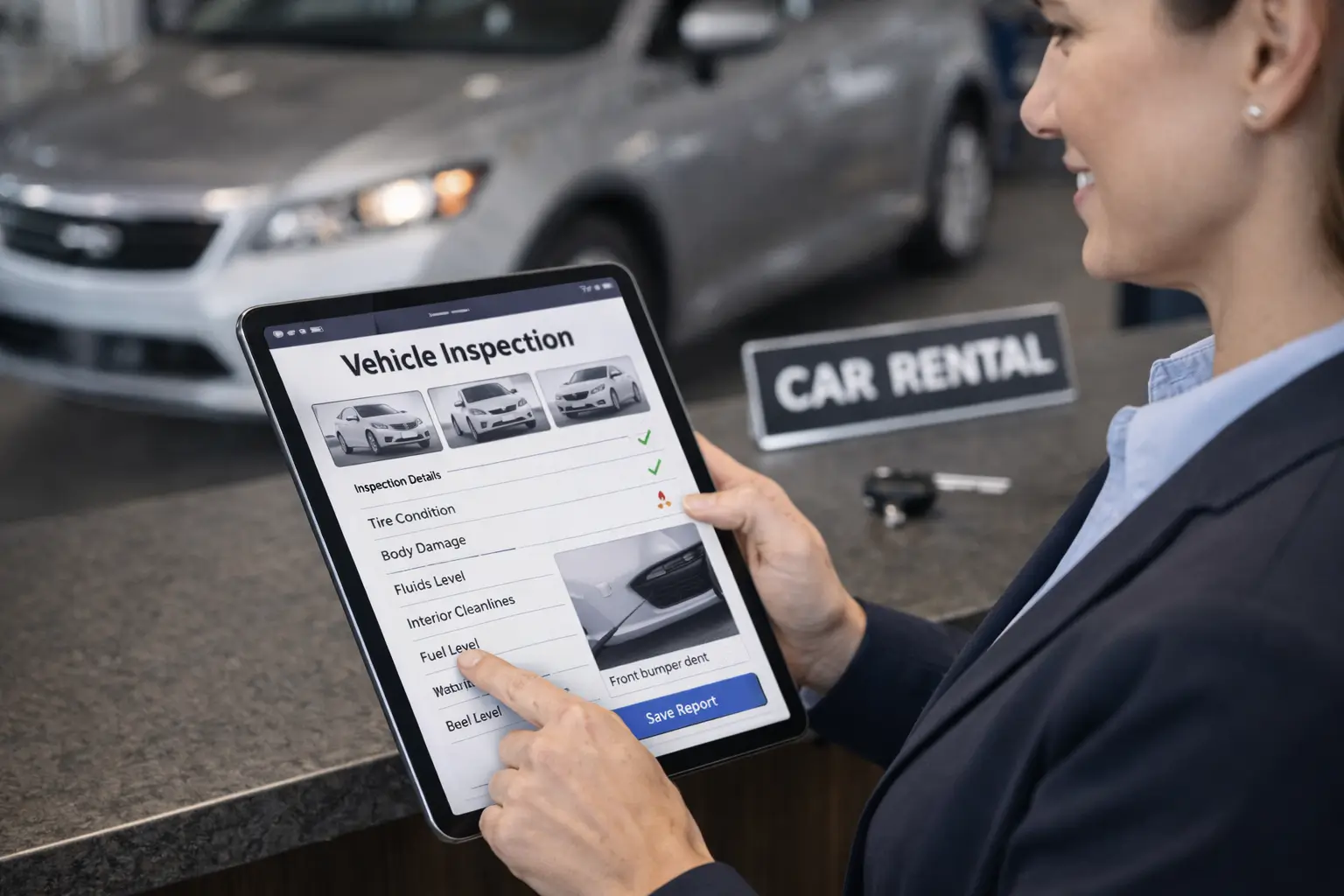
Without a joint walk-around, your evidence is photos. Take a full set yourself when the car is prepared, and ask the renter to photograph all four sides, the wheels, the windshield, the fuel gauge and the odometer before driving away. Photos with a date and time stamp settle most damage disagreements; a paper diagram with a few X marks does not. We cover the method in digital vehicle inspections vs. paper checklists.
Hand over the keys
Express pickup and delivery are simple: the agent hands them over. For unattended pickup, the common setups are a coded key box (change the code for every rental), a smart locker that releases a compartment by code, or a keyless system that unlocks the car from the renter’s phone. Release access only once the agreement is signed and the deposit is in place.
Contactless Returns Without Losing Damage Claims
Most of the risk in contactless rental sits at the return, when the car comes back and nobody is there to look at it.
- Ask for return photos. The same photo set as at pickup, plus the fuel gauge and odometer, taken at the drop-off spot.
- Set the liability rule in writing. Your agreement should say when responsibility passes back to you for after-hours drop-offs: at drop-off, or when your staff check the car in. Decide which and state it.
- Check the car in promptly. Inspect it on your next opening. A claim raised days later, without photos from both ends, is hard to collect.
- Close the agreement with the extras. Fuel, extra days, late fees and tolls are charged against the deposit or the card on file under the terms the renter already signed.
Risk Controls That Make Contactless Safe
Removing the counter removes some of the checks the counter did without anyone noticing. Put them back on purpose:
- Match the names. The renter on the booking, the name on the license and the name on the payment card should agree. Treat a mismatch as a reason to require counter pickup.
- Start with renters you know. Offer unattended pickup to repeat renters and corporate accounts first. First-time renters can use express pickup until they have a completed rental.
- Hold the deposit before releasing the car. A pre-authorization placed at booking, confirmed before the key code goes out, protects you against a card that fails at return.
- Approve before you confirm. For unattended pickups, review the booking (age, license expiry, rental history) before sending pickup instructions instead of confirming automatically.
- Verify identity remotely for unattended pickup. Use an ID-verification step that compares a photo of the license with a selfie, or require one in-person visit before a renter can use unattended pickup.
- Check your insurance. Ask your carrier whether your policy treats unattended and delivered rentals the same as counter rentals. Our rental business insurance guide lists the questions to raise.
How to Launch Contactless Rentals in 5 Steps
-
1
Pick a model per location
Express pickup everywhere, delivery where customers ask for it, unattended only where late arrivals justify the hardware.
-
2
Update the rental agreement
Add clauses for remote pickup, photo evidence, key custody, after-hours returns and charging extras to the card on file.
-
3
Take payment and deposits online
Make sure your website quotes the full price and collects the deposit or pre-authorization at booking.
-
4
Send every agreement for signature before pickup
Make it part of confirming the booking, not something you remember on the morning of the rental.
-
5
Pilot with repeat renters
Run a month with renters you already know, fix what goes wrong at handover and return, then open it to everyone.
What Your Software Should Handle
Contactless rental is mostly a workflow problem, and the workflow lives in your rental software. Before you buy hardware, check that the software covers the pre-pickup steps:
- Online booking with live availability, full pricing, and deposit or pre-authorization at checkout
- Renter profiles that keep driver details for the next rental
- License scanning that fills the agreement instead of retyping it
- An agreement generated from the reservation and sent for e-signature in one step, with the signed copy stored on the rental
- Automatic confirmation emails, which you then follow with your pickup instructions
Car Rental Solutions covers that list. Key boxes, smart lockers, keyless car access and renter photo-inspection apps are separate tools you add for unattended pickup; choose them once the paperwork side runs without a counter.
The Takeaway
Contactless car rental is not one product. It is a set of choices about where the paperwork happens, who hands over the keys and how you prove the car’s condition. Start with express pickup, which needs nothing more than online booking and remote signatures. Add delivery where customers will pay for it, and add unattended pickup last, for renters you already trust, once your agreement, deposits and photo routine hold up without a counter.
Frequently Asked Questions
Contactless car rental is a rental where the booking, driver details, rental agreement and payment are completed online before pickup, so the handover needs a short check with an agent or no agent at all. Agencies run it as express pickup, delivery and collection, or unattended pickup from a key box or keyless car.
In the United States, the federal ESIGN Act says a contract or signature cannot be denied legal effect just because it is electronic. 49 states have adopted the Uniform Electronic Transactions Act, and New York has its own Electronic Signatures and Records Act. Have renters agree to sign electronically, keep the signed copy with its date and time record attached to the rental, and ask your attorney about any state-specific disclosure rules.
For express pickup and delivery, an agent still compares the physical license with the booking at handover. For fully unattended pickup, use a remote ID-verification step that compares a photo of the license with a selfie, or limit unattended pickup to renters who have already completed a rental with you in person.
Not for express pickup or delivery. Online booking, deposits and e-signed agreements run on the renter’s phone and your existing computer or tablet. Hardware such as key boxes, smart lockers or keyless car access is only needed if you want pickups with no staff present.
Whatever your rental agreement says. State whether responsibility passes back to the agency at drop-off or when staff check the car in, ask for return photos at the drop-off spot, and inspect the car at your next opening so any claim is backed by evidence from both ends of the rental.