Your Website and Your Software Are Probably Strangers
Most rental agencies run two systems that never speak to each other. One is the software where the fleet, the rates, and the reservations actually live. The other is the website customers see — a set of pages with a phone number, a contact form, and a list of cars that was accurate the last time somebody remembered to update it.
Everything expensive happens in the gap between them. Availability drifts out of date. A customer is quoted one price online and a different one at the counter. Bookings arrive as emails that a staff member re-types into the system, sometimes hours later, sometimes into a slot another employee has already sold.
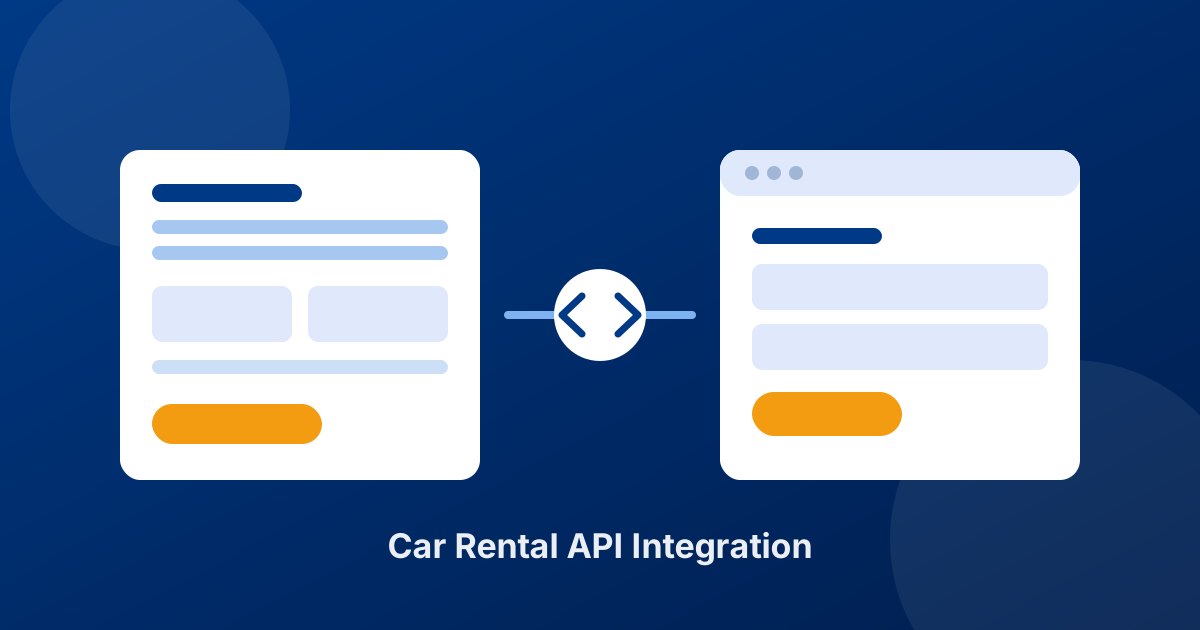
An API integration closes that gap. It is the difference between a website that describes your business and a website that runs part of it.
What a Car Rental API Actually Does
Strip away the jargon and an API is a permission slip with a translator attached. It lets one system ask another system questions and get structured answers back — reliably, instantly, and without a human in between.
For a rental operation, the questions are the ones your counter staff answer all day:
- What is available? Which vehicles are free for these dates, at this location, in this category.
- What does it cost? The rate produced by your seasons, duration rules, location, age group, and selected extras — not a rounded guess.
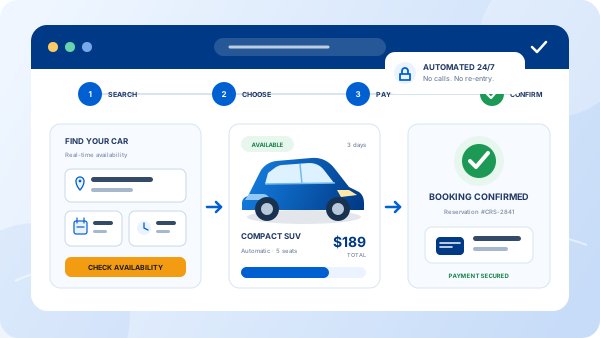
- Can you hold it? Create a real reservation that immediately reduces availability for everyone else.
When your website can ask those three questions directly, the booking form stops being a lead-capture gimmick and becomes a genuine reservation system. The customer gets an answer in seconds; you get a confirmed booking rather than an inquiry to chase.
"A booking form that emails you is a lead. A booking form connected to your fleet is a sale."
Two Ways to Use the API Generator
In Car Rental Solutions, the connection is produced for you in the Integrations section — the API generator — rather than commissioned as a custom development project. It offers two routes, and choosing correctly matters more than any technical detail.
Option 1: Generate a complete website with reservations
The generator can produce an entire rental website with the booking system already inside it: vehicle listings, availability search, quoting, and checkout, all connected to your fleet from the first day. This is the right choice if you are launching, if your current site is outdated, or if you have never had a site that converts. There is no design phase and no integration work — the site arrives already wired to your data.
Option 2: Generate only the reservation system
If you already have a website you have invested in — one that ranks in search, carries your brand, and has years of content behind it — replacing it to gain online booking is a bad trade. Generate only the reservation system and place it on the site you have. Your design, URLs, and SEO stay exactly as they are, and the booking flow simply starts working against live data.
The honest test: does your website earn you traffic and trust today? If yes, keep it and add the engine. If it is a brochure nobody visits, take the complete site and start converting.
How to Go Live in Five Steps
The order matters. Most failed integrations are not technical failures — they are data problems that were visible before anyone touched the website.
-
1
Get your fleet and rates right first
Vehicles, categories, locations, seasons, age rules, and extras have to be correct in your control panel before anything is published. The website will faithfully show whatever your system believes — including mistakes.
-
2
Decide which route you need
Complete website, or reservation system only. Answer the question about your existing site honestly before you generate anything.
-
3
Generate the integration
Open the Integrations section and generate it for your account. You are configuring a connection, not commissioning software.
-
4
Test like a customer, not like an owner
Book a car for next weekend. Book a one-way. Book with a young driver and two extras. Confirm each quote matches what your team would say on the phone, and that availability drops afterwards.
-
5
Measure what the channel produces
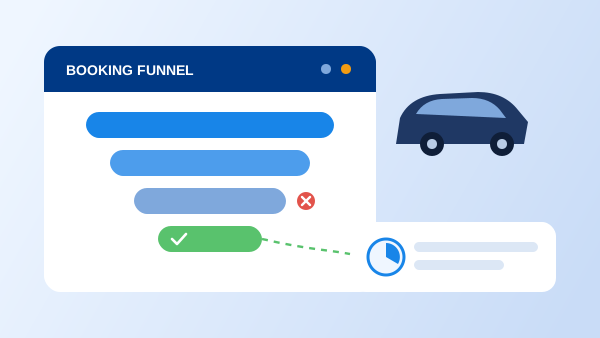
Track completed bookings, not just visits, so you can see which pages and campaigns actually generate rentals — our guide to conversion tracking covers the setup.
What Changes After the Integration
You sell outside office hours
A traveler comparing rental options at 11 p.m. books the agency that lets them finish. Every reservation taken while your office is dark is revenue that previously went to whoever answered first in the morning.
Quotes stop being negotiable by accident
When pricing comes from your own rate rules, the number on the website is the number at the counter. Nobody arrives holding a screenshot of a price your system has never heard of.
Double bookings stop
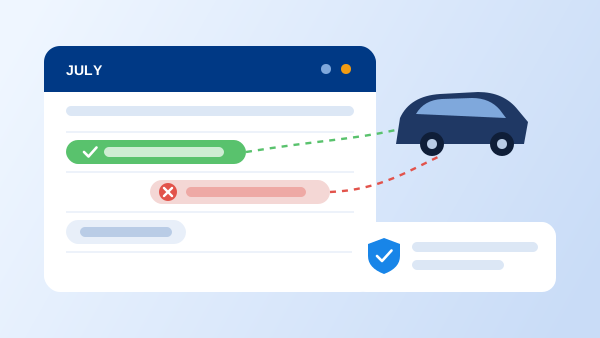
One availability calendar, checked automatically by every channel, is the only durable fix for overlapping reservations — the failure that costs a refund, an upgrade, and a review that outlives both.
Admin time collapses
No re-typing customer details, no copying dates from an email, no reconciling a spreadsheet against the inbox. The reservation arrives complete because the customer entered it themselves.
The rental agreement is already half-written
Because the booking carries the customer and vehicle data, the contract at pickup is generated rather than typed — and can be sent for electronic signature before anyone reaches the counter.
Four Mistakes That Undermine a Booking Integration
The integration itself is straightforward. What people get wrong is everything around it:
- Publishing with unfinished rate rules. If seasons or age surcharges are half-configured, the website will quote confidently and wrongly. Fix the data first.
- Hiding the booking flow. A reservation system three clicks deep in a menu converts like it does not exist. It belongs on the homepage, above the fold.
- Ignoring the languages your visitors use. If a meaningful share of your renters are international, a multilingual booking flow is not a nice-to-have — people abandon checkouts they cannot read.
- Never testing after changes. Add a location or a new vehicle class and run the customer path again. Integrations rarely break loudly; they just start quoting something odd.
The Takeaway
A car rental API is not a technical luxury for large fleets. It is the mechanism that turns your website from a business card into a channel that sells while you sleep, quotes accurately without a human, and drops every reservation into the same system your staff already works in.
The practical decision is smaller than it sounds: generate a complete website if you need one, or generate just the reservation system if your site is already doing its job. Get your fleet and rate rules clean first, test the flow the way a customer would, and the rest is configuration rather than construction.
An API is only as good as the system behind it. Before integrating, it is worth confirming the underlying car rental software holds availability, rates, and agreements on one database — otherwise the API just exposes the same fragmentation to more channels.
Frequently Asked Questions
A car rental API is the connection that lets an outside system — usually your website — read and write data in your rental software. In practice it means the booking form on your site can ask your software what is available, what it costs under your rate rules, and then create a real reservation, instead of sending an email that a staff member has to re-enter by hand.
Not for the connection itself. The API generator in the Integrations section produces the integration for your account, so nobody has to build it against a raw API. If you are placing the reservation system into an existing website, whoever maintains that site typically needs a short session to position it. If you generate the complete website instead, there is nothing to build at all.
Yes, and for most established agencies that is the better option. If your site already ranks in search and reflects your brand, replacing it throws away that equity. Generating only the reservation system leaves your design, content, and URLs untouched while the booking flow starts running on live availability and pricing.
They will if the booking engine reads from the same rate configuration your team uses. That is the whole point of the integration: seasons, durations, locations, age groups, and extras are applied online exactly as they are at the counter, so a customer never arrives with a quote your system does not recognize.
It lands in your control panel as a normal reservation, with the customer and vehicle attached, and it immediately affects availability so the same car cannot be booked twice. From there it follows your usual workflow — confirmation, pickup, and a rental agreement that can be sent for electronic signature.