The Paper Checklist Problem Nobody Talks About
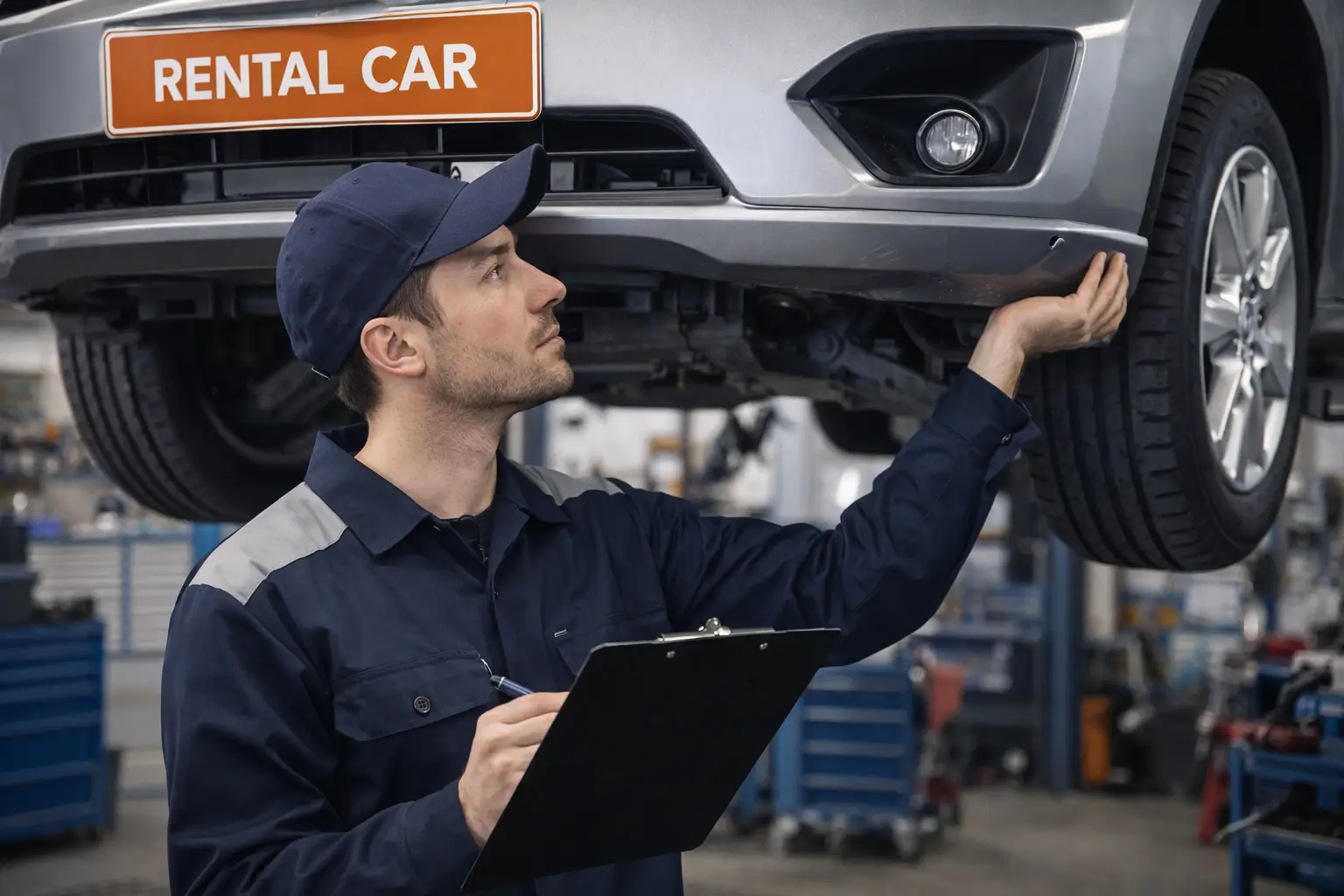
Every rental office has them: stacks of paper inspection sheets, scrawled with abbreviations, filed in a cabinet no one opens, and completely useless the moment a customer disputes a scratch. Paper checklists feel like documentation. They're not. Without timestamps, photos, and a tamper-proof record tied to the specific rental, a paper checklist provides almost no protection in a damage dispute — and every car rental operator who has been on the losing end of one knows exactly what that costs.
The problem isn't unique to small operations. Even well-run rental businesses with disciplined staff lose damage claims regularly because their inspection process produces evidence that doesn't hold up. A staff member notes "minor wear rear bumper" in pencil on a form that may or may not be findable three months later. The customer denies the damage. You have no photos, no timestamp, no proof the note wasn't added after the fact. You absorb the cost.
Digital vehicle inspections close that gap completely. Here's why the shift matters — and how to make it.
1. Paper Checklists Create Gaps That Renters Can Exploit
A paper checklist done by your best staff member is still a written description of what they saw. It contains no photos. It has no timestamp that can be independently verified. If a customer returns a car with a new dent and says it was already there at pickup, your handwritten note — even if correct — is your word against theirs.
Experienced renters know this. Credit card chargebacks for disputed rental damage are common, and card issuers consistently side with the cardholder when the rental company's evidence is a paper form. The result: you absorb the repair cost, pay a processing fee, and potentially flag your merchant account — all because your documentation didn't meet the bar.
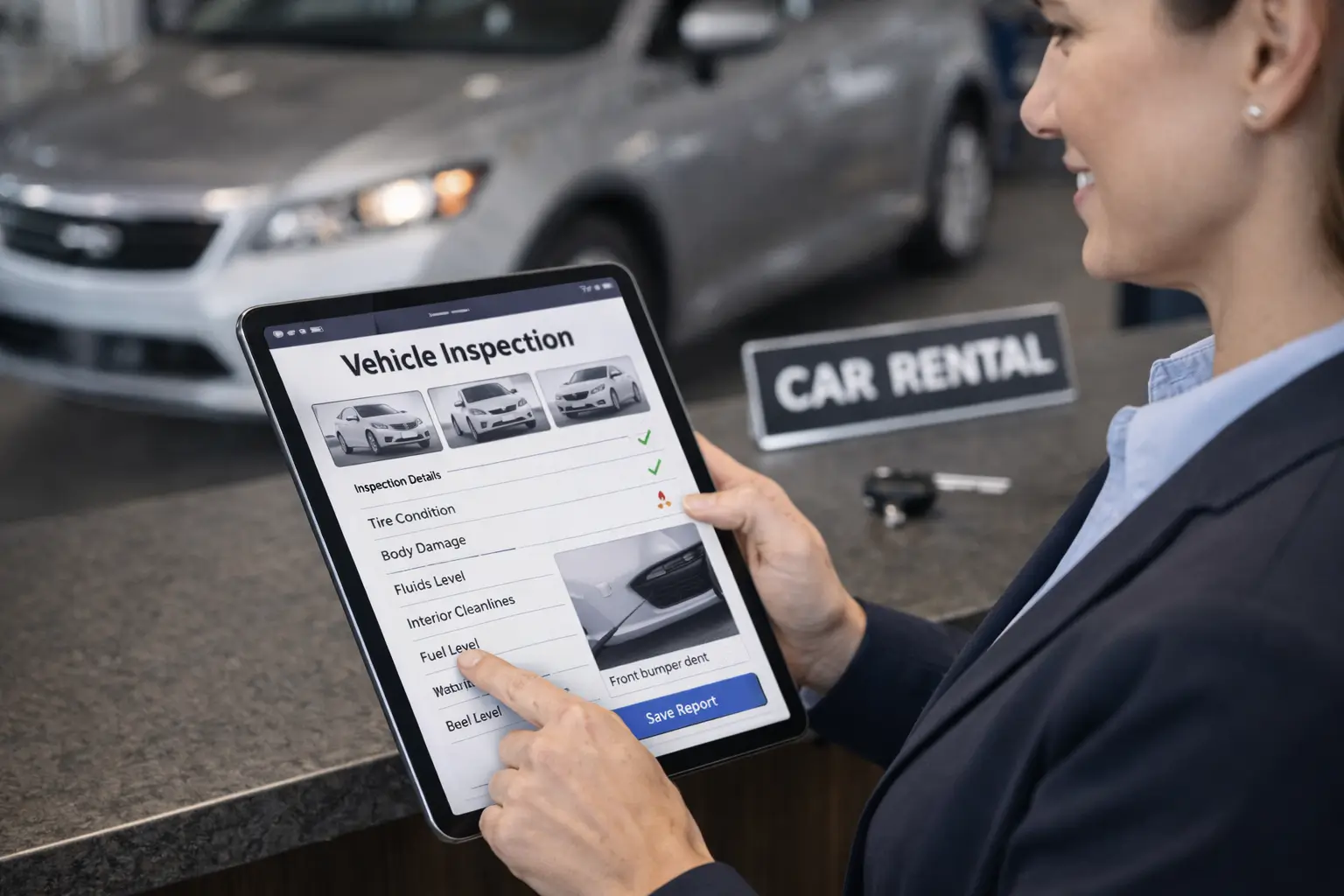
Digital inspections produce a timestamped photo record at both pickup and return. Every panel, every existing scratch, every chip — photographed, dated, and attached to the rental. When a customer says "that scratch was there when I got the car," you can show them the pickup inspection with a clear photo of the panel in question. The dispute ends before it starts.
"A damage dispute without photo evidence is not a documentation problem — it's a revenue problem. You already lost; you just haven't processed the cost yet."
2. Lost Paperwork Is a Daily Hazard in Busy Rental Offices
Where do your inspection sheets go after a rental closes? If your answer involves a folder, a filing cabinet, a binder, or anything with the word "somewhere," you have a documentation problem. Paper gets misfiled. It gets wet, crumpled, and illegible. It gets thrown away during a slow Friday cleanup. And when you need it three months later to respond to a chargeback, it isn't there.
Even when paper is carefully filed, retrieval is slow. Finding the inspection sheet for a specific vehicle on a specific date in September means physically searching through a stack of forms — if the filing was consistent in the first place.
Digital inspections are stored in the cloud, linked to the rental record, and searchable instantly by plate number, rental date, or customer name. Retrieving an inspection from six months ago takes under ten seconds. When you're responding to a card dispute with a 72-hour deadline, that difference is not trivial.
Each inspection is automatically linked to the rental agreement and stored with a verified timestamp:
3. Manual Inspection Workflows Slow Down Every Checkout and Return
A paper inspection done properly — walking every panel, documenting each item, noting fuel level and odometer — takes 10 to 15 minutes. In a high-volume operation processing 20 to 30 returns per day, that's three to seven hours of staff labor dedicated entirely to filling out forms. And because it takes long, staff inevitably cut corners during rush periods. The inspection that happens at 5 PM on a Friday when four cars are returning at once is not the same as the inspection that happens at 10 AM with one car in the lot.
Digital inspections — using a structured checklist on a tablet or phone — take two to four minutes. The workflow guides the inspector through each item, prompts photo capture at key points, and auto-saves as they go. No lost forms. No illegible handwriting. No "I'll finish this later."
The labor savings alone often justify the switch. But the consistency benefit is just as important: every inspection looks the same, covers the same items, and produces the same documentation quality — whether it's Tuesday morning or Saturday afternoon at close.
How to Transition to Digital Inspections in 4 Steps
Switching from paper to digital doesn't require a major operational overhaul. Here's a practical sequence that works for operations of any size:
-
1
Audit your current inspection process
Document exactly what your current paper process covers, how long it takes, and where it breaks down. Identify the most common points of failure — incomplete forms, lost paperwork, disputes you've lost recently. This audit tells you what your digital process needs to fix first.
-
2
Define your standard checklist items
Build a checklist that covers every area of the vehicle: all exterior panels, windshield and glass, tires and wheels, interior, fuel level, odometer, warning lights, and functional checks (horn, wipers, A/C). This becomes your digital template — consistent for every rental, every time.
-
3
Configure digital inspections in your rental software
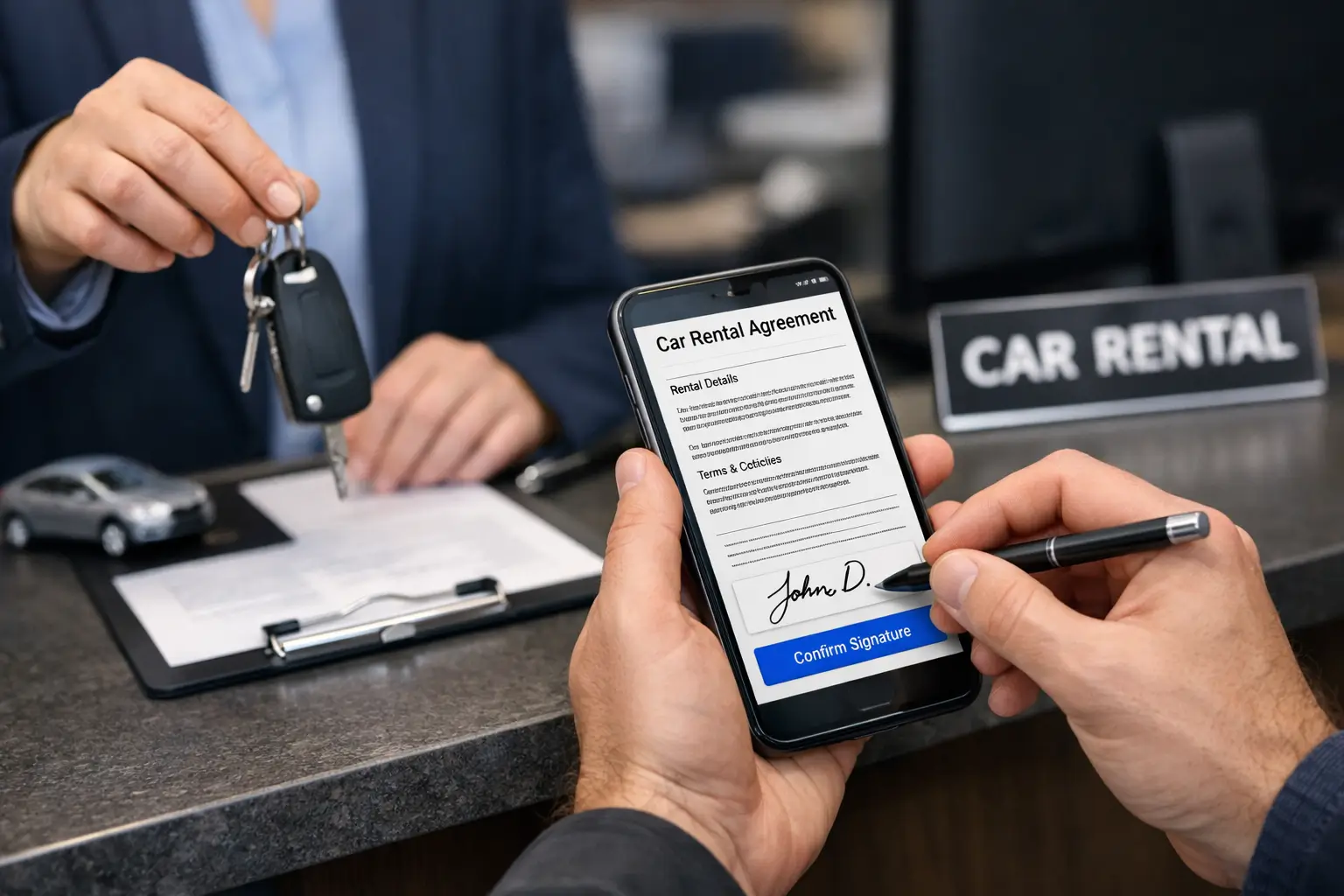
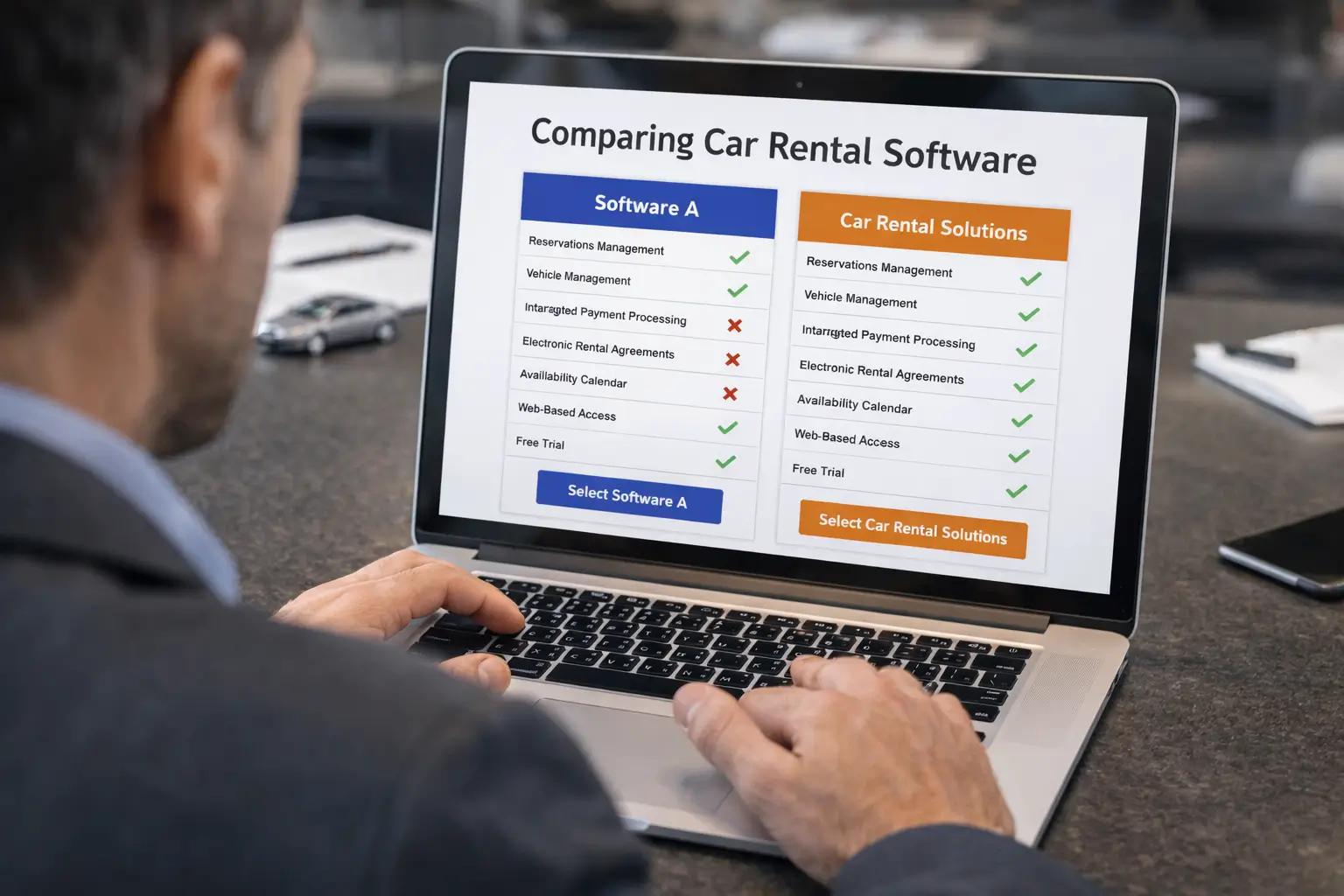
Set up your checklist in Car Rental Solutions and configure it to trigger at both pickup and return. Attach it to the rental agreement workflow so the inspection and the signed contract are stored together — creating a complete, linked record for every rental.
-
4
Train staff and run both processes in parallel for one week
Run digital and paper side by side for the first week. This gives staff time to get comfortable with the new flow without leaving a documentation gap. After one week, most teams drop the paper process entirely and never look back.
What Changes When You Go Digital
Photo evidence that holds up in disputes
Timestamped, geotagged photos attached to the rental record are the difference between winning and losing a damage dispute. When you have clear before-and-after documentation for every rental, most disputes resolve immediately — and the ones that don't go to a chargeback are far easier to win.
Every inspection on record, instantly searchable
No more filing cabinets, no more searching. Every inspection lives in your rental management system, linked to the customer, the vehicle, and the agreement. Pull up any inspection from any date in under 10 seconds — whether you need it for a chargeback response, an insurance claim, or an internal review.
Faster pickup and return for your customers
A 3-minute digital inspection versus a 12-minute paper process means shorter lines, faster checkout, and a noticeably better customer experience at both ends of the rental. Customers notice when a return takes under five minutes instead of fifteen — and they come back.
Consistent standards across your entire team
A digital checklist enforces the same process every time. Every staff member covers the same items in the same order, captures the same photos, and produces the same quality of documentation — regardless of experience level, time of day, or how busy the lot is.
Less admin time per rental
Digital inspections eliminate manual filing, paper storage, and retrieval time. Over the course of a month, the cumulative time savings for a rental office processing 400+ rentals is significant — hours that staff can redirect toward customer service and revenue-generating work instead of paperwork.
Frequently Asked Questions
A digital inspection creates a timestamped, geotagged record with photos attached to the specific rental. When a damage dispute arises, you can pull up the pre-rental and post-rental inspection side by side and show exactly what the vehicle looked like before the customer took it. A paper checklist, even if you can find it, contains no photos and no timestamp that can be independently verified — making it far weaker as evidence.
A complete car rental inspection checklist should cover: all exterior panels (front, rear, driver side, passenger side, roof), tires and wheels, windshield and glass, interior condition (seats, dashboard, carpets), fuel level, warning lights, lights (headlights, taillights, turn signals), and odometer reading. Digital inspections should also include photos of each panel and a customer-visible summary at pickup.
Yes. Digital inspections stored in your rental management software are accessible from any internet-connected device — desktop, tablet, or phone. This means you can pull up a specific inspection record immediately during a dispute, even months after the rental closed, without searching through filing cabinets.
A well-designed digital inspection using a structured checklist and photo capture takes 2–4 minutes for an experienced staff member. A thorough paper inspection done properly takes 10–15 minutes. The time savings compound quickly in high-volume operations — a rental office processing 20 returns per day can save 2–3 hours of labor daily by switching to digital.
Yes. Car Rental Solutions includes digital inspection workflows built directly into the rental process. Staff can complete structured checklists, attach photos, and flag damage from any device. Inspection records are automatically linked to the rental agreement and stored in the customer's history — no separate app or hardware required.